Circle to Search - Part 3
Circle to Search began as a new way to search anything on your screen. This vision looked at what could come next: helping people get a clear answer, work through a problem step by step, and act on what they find. It started with research, and some of this thinking went on to guide what's in the product today.
Vision · Design sprints · Contextual AI

2
Design sprints
3
Vision pillars
1
Shared roadmap
Context
North star plan
After the first launch, I led a series of design sprints to explore, prototype, and test new ways to meet the needs our research had surfaced. The goal was a clear vision for the near future: a high-fidelity story, grounded in research, brought to life with working demos.
The research
The vision started with what people actually needed
Before designing anything, I looked at what people were really asking Circle to Search for. The needs sorted into clear tiers, from the biggest unmet opportunities to things the product already did well. This is what pointed the vision toward where it could help most.lp most.
Biggest oppurtunity
Get summary or key points
Troubleshoot tech issues
Pros and cons list
Ask AI follow-up questions
Return to past searches
Ask contextual questions
Verify scams
Room to improve
Verify AI presence
Create custom image
Share search results
Save search results
Homework help
Identify famous people
Lower priority
Reminders to use it
Listen to screen content
Annotate content
Video game help
Mobile game help
Already well served
Scan QR or barcode
Save part of screen
Share part of screen
Copy and paste a
From needs to pillars
Three things people come to do
Underneath all those needs were three real intents. Some people want a clear answer. Some want to be walked through a problem. Some want to act on what they found. I built the vision around these three.
Pillar 1
Understand
User Goal: Get a clear answer to what's in front of me
Example: Land on an unfamiliar article and want the gist before reading
Needs:
Get the key points
Weigh pros and cons
Check if something's trustworthy
Identify what's on screen
Pillar 2
Solve
User Goal: Get walked through something I can't know at a glance
Example: Stuck on a tricky problem and want to understand it, not just see the answer
Needs:
Homework help
Troubleshoot a tech issue
Work through a problem
Step by step
Ask follow-up questions as you go
Pillar 3
Act on it
User Goal: Take the next step from what they found
Example: Found the thing, now want to share it with friends or come back to it later
Needs:
Save results
Share results
Create an image
Return to past searches
Pillar one
Understand: get a clear answer
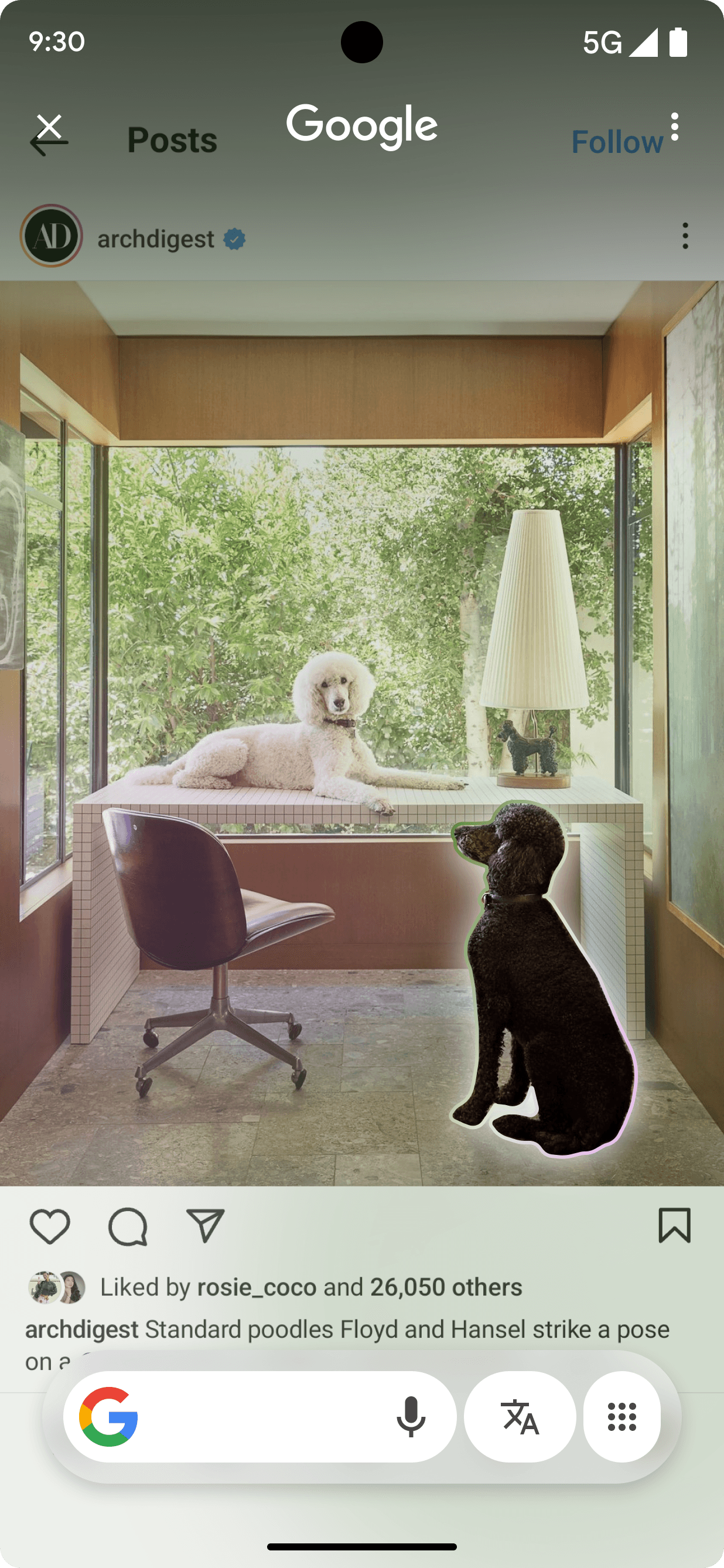
Sometimes the answer is all you came for. This part of the vision handed it over cleanly: a summary of a long page, the key points, a quick check on whether something can be trusted. You ask, you get what you need, you move on.

Talk live

Results appear

Auto detects scams upon trigger

Results appear
Pillar two
Solve: get walked through it
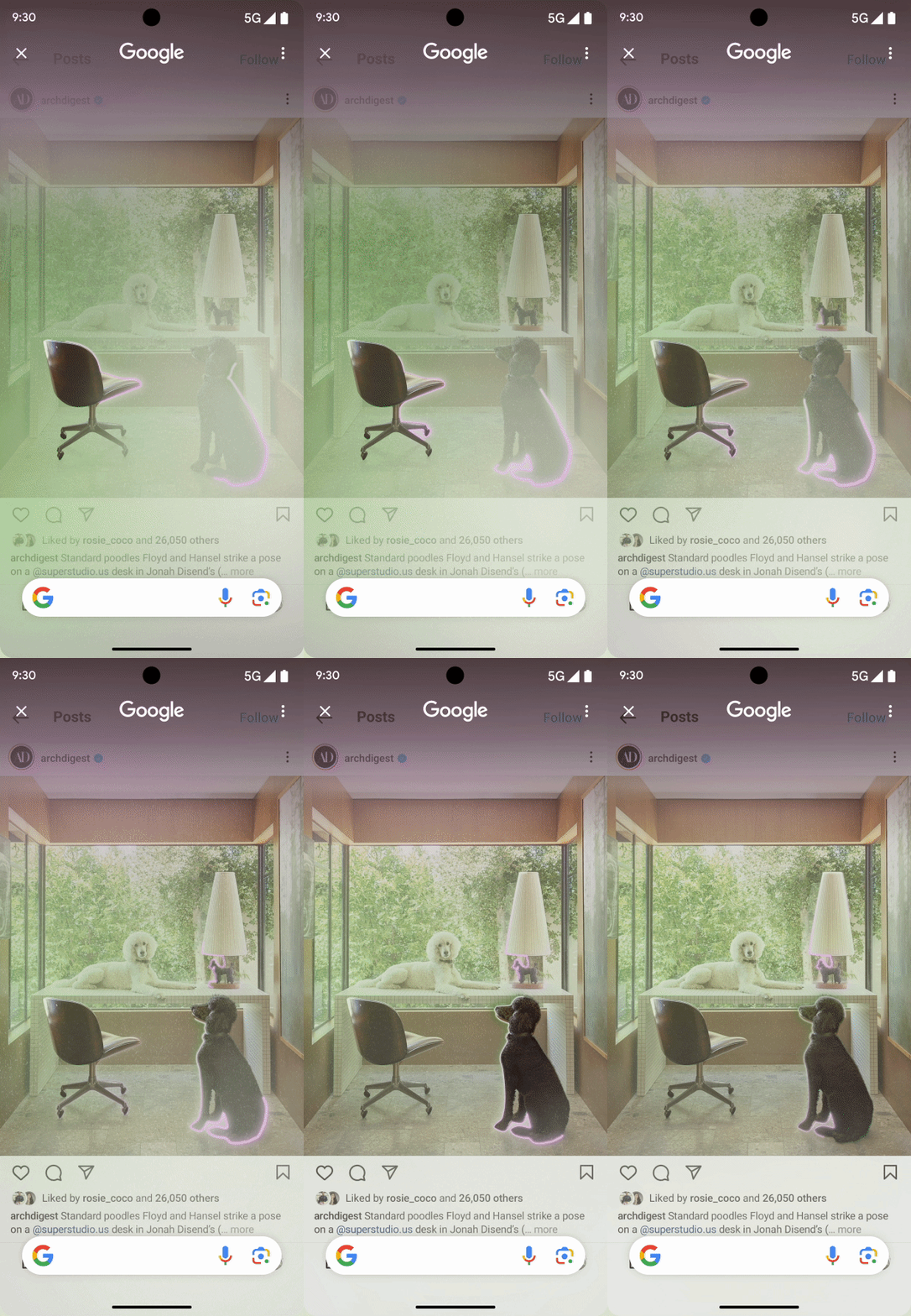
Some things don't have a single answer to hand over. They have to be worked through. So this part guided people step by step, through a tough problem, a tech issue, a question that needed a follow-up. The point wasn't just to solve it, but to leave you understanding it.

Rich homework help

User draws

Long press home
Results appear
Pillar three
Act on it: take the next step
Often the answer isn't the end. It's the start of something. This part helped people do the next thing: save it, share it, act on a number or address, pick a search back up later. The result became a step, not a stop.

Long press home & talk

Contextual results appear

Take actions

Pick up where you left off
Designed to fit the moment
Help that matches what you came to do
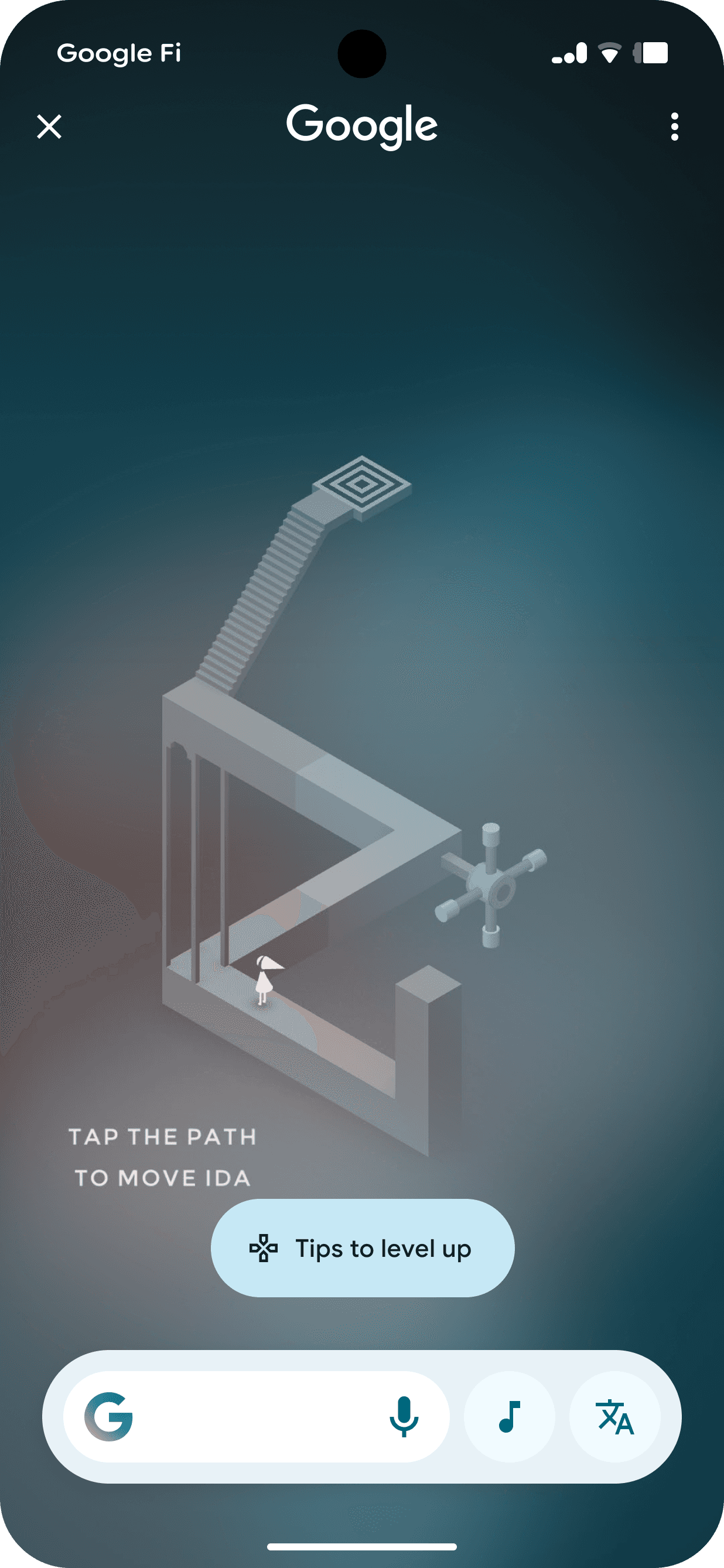
Open it over a game and you probably want a tip, not a product. Over a recipe in another language, you want to read it. The vision tuned the help to the moment: game tips on a game screen, live translation when there's another language, the right action for what's in view.

Results appear


Long press home

Results appear

Game tips
Better discovery of capabiities
Open it over a game and you probably want a tip, not a product. Over a recipe in another language, you want to read it. The vision tuned the help to the moment: game tips on a game screen, live translation when there is another language, the right action for what is in view.

Introducing new capabilities

Introducing new capabilities
From vision to product
Some of this is already in the product
The helpful suggestions above, one of the first ideas from these sprints, shipped to people. And as AI keeps moving forward, more of what we imagined here becomes possible.

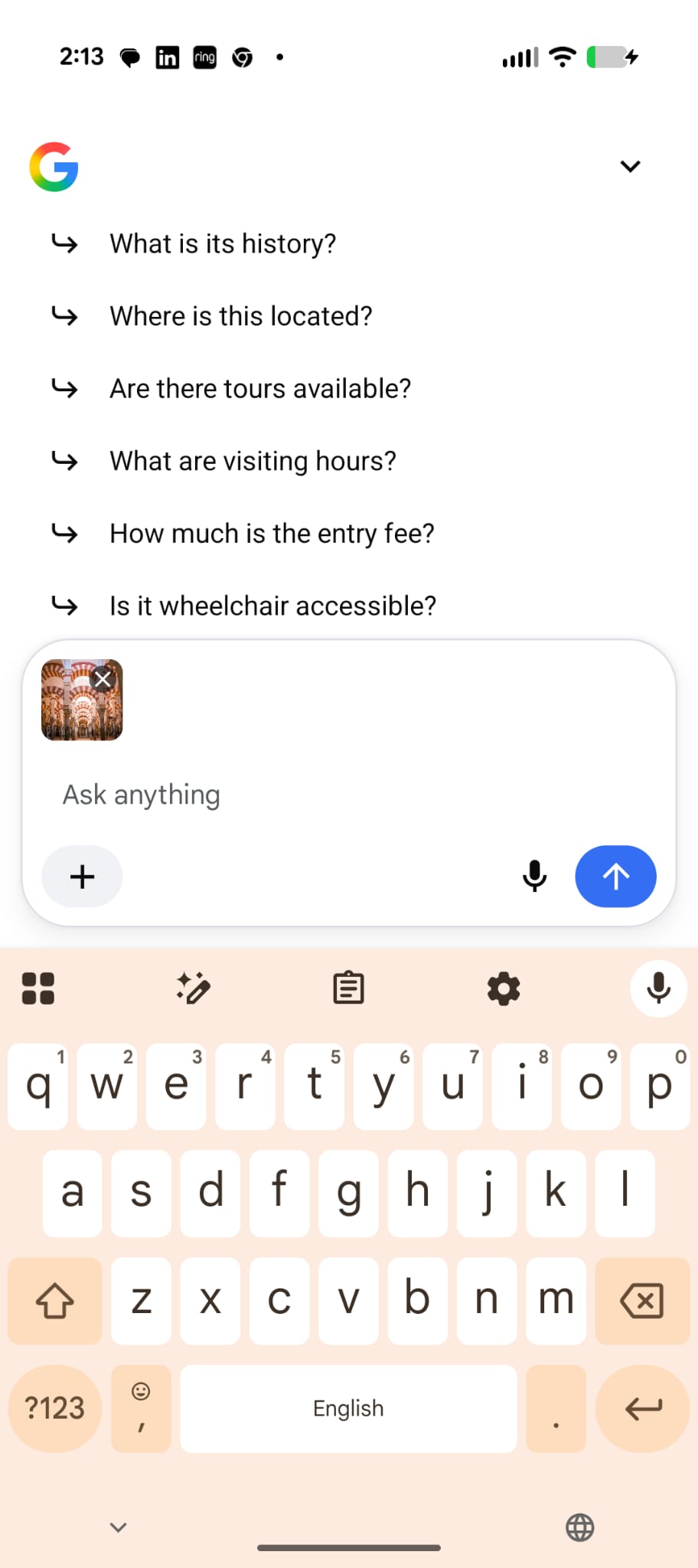

[Shipped] Contextual suggestions

User draws

[Before] Wall of matches

[Shipped] Better synthesis
Impact
Pointing the way forward
2
Design sprints
3
Vision pillars
1
Shared roadmap
Some proprietary information has been modified for presentation purposes.
Reflection